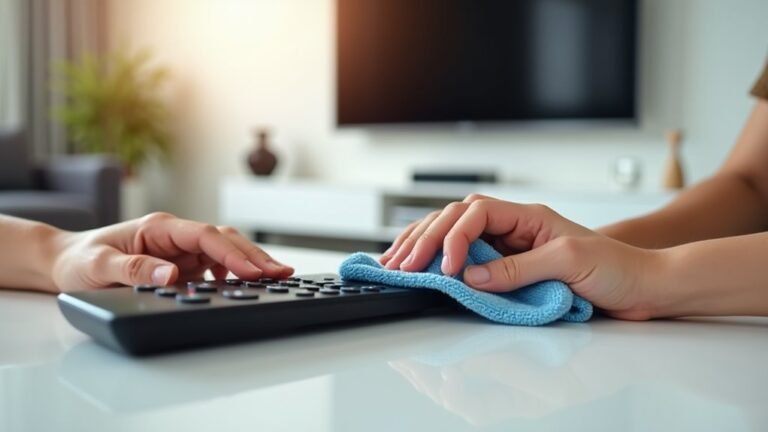
We touch our screens all day long, but rarely think about the germs that build up every time we swipe or tap. If your phone screen looks dirty like mine does, you’re not alone – many of us forget to clean our devices properly. Keeping touchscreens clean isn’t just about making them look nice – it helps them last longer and keeps us healthier.
Some of the links in this article may be affiliate links. If you make a purchase through these links, we may earn a small commission at no extra cost to you. Thank you.
According to Apple Support, “Using a 70 percent isopropyl alcohol wipe, 75 percent ethyl alcohol wipe, or Clorox Disinfecting Wipes, you may gently wipe the exterior surfaces of your device. Don’t use products containing bleach or hydrogen peroxide.”
Most germs on phones are harmless, but some can make us sick. Our screens collect oils from our hands, makeup, food crumbs, and other stuff we can’t even see. Think about how many times you touch your phone, then touch your face or eat something – that’s why keeping screens clean matters.
Let’s make screen cleaning a regular habit, just like washing our hands. It’s not hard to do, and it makes a big difference in keeping our devices working well and staying healthy.
Why Touchscreens Need Cleaning
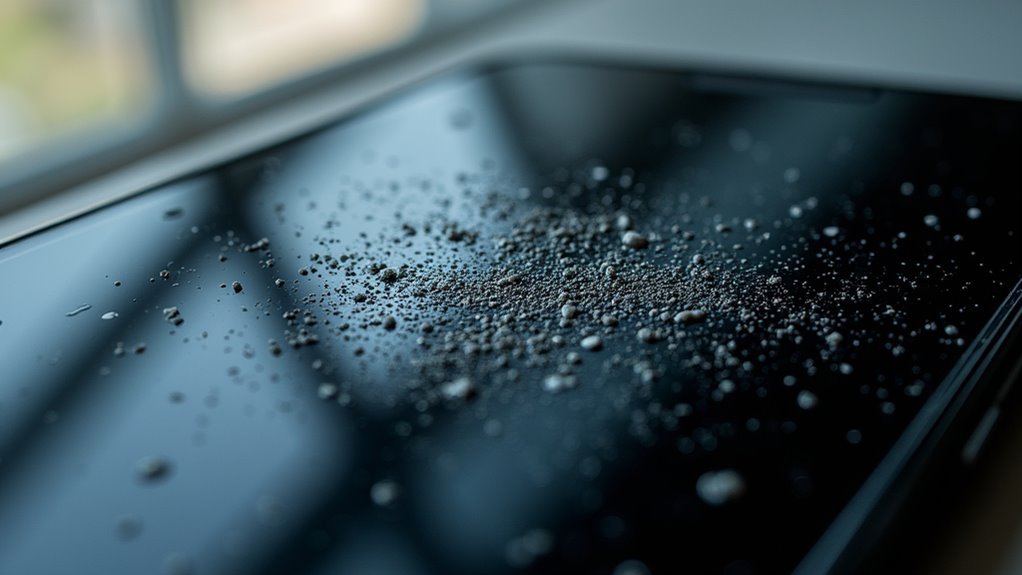
Why do we need to clean our touchscreens so frequently?
It’s pretty shocking, but our smartphones carry about 10 times more germs than toilet seats!
We’re touching these devices nearly 3,000 times daily, spreading everything from cold viruses to who-knows-what else.
Plus, I think regular cleaning actually improves screen performance and extends device life, preventing those tiny scratches we mightn’t even notice. Regular cleaning enhances visibility and helps maintain the oleophobic coating.
##
We’ve all experienced those smudgy, fingerprint-covered touchscreens that make us cringe a bit.
Let’s talk about what works (and what definitely doesn’t) when you’re trying to get your touchscreen looking pristine again.
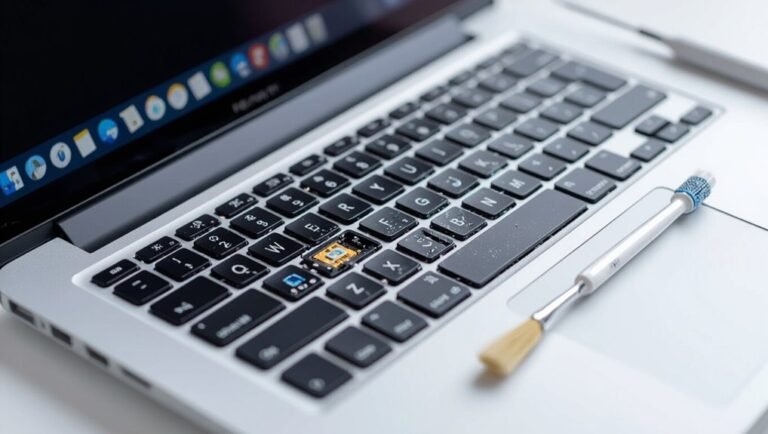
I think understanding both the right techniques and common mistakes will help us protect our devices while keeping them clean. Regular maintenance keeps the MacBook screen clear and protected, ensuring a better user experience.
Things to Do When Cleaning A touchscreen
Proper cleaning of touchscreen devices requires careful attention to detail to prevent damage while effectively removing germs and contaminants.
Touchscreens are particularly vulnerable to both scratches and internal damage from improper cleaning techniques, yet they harbor significant bacteria due to constant finger contact throughout the day, especially in public settings where multiple users interact with the same surface.
- Power off and unplug the device before cleaning – This prevents electrical shorts and makes dirt more visible against the dark screen.
- Use a soft microfiber cloth – These specialized cloths remove bacteria without scratching the delicate screen surface.
- Prepare a proper cleaning solution – An 80% alcohol/20% water mixture effectively kills germs without damaging screen coatings.
- Apply solution to the cloth, not directly to screen – This prevents liquid from seeping into device edges and damaging internal components.
- Wipe in gentle circular motions – This technique removes stubborn dirt without applying excessive pressure that could damage the screen.
- Use a separate lint-free cloth for drying – Guarantees no moisture remains before powering the device back on.
- Allow the screen to dry completely – Even small amounts of remaining moisture can damage electronic components when power is restored.
Things to Avoid When Cleaning A touchscreen
When cleaning touchscreens, it’s essential to follow proper techniques to avoid damaging these sensitive electronic surfaces.
Touchscreens contain special coatings and components that can be easily compromised by improper cleaning methods, potentially reducing functionality and shortening the device’s lifespan.
Understanding what to avoid is just as important as knowing the correct cleaning procedures.
- Harsh chemical cleaners (Windex, ammonia-based products) – These strip away protective coatings on screens, causing cloudy patches and reducing the screen’s resistance to oils and fingerprints.
- Abrasive materials (paper towels, tissues) – These create micro-scratches on the screen surface and leave behind lint that can harbor bacteria and germs.
- Direct spraying of cleaning solutions – Moisture can seep into edges, ports, and buttons, causing internal damage to electronic components.
- Excessive water or liquid – Too much moisture leads to electrical issues and can spread contaminants rather than removing them.
- Heavy pressure while wiping – Pressing too hard can damage the screen’s touch sensitivity and create scratches that permanently impair visibility.
Steps
Keeping your touchscreen devices clean is essential for both performance and hygiene.
Touchscreens accumulate fingerprints, oils, and bacteria through regular use, which can affect responsiveness and clarity over time.
Proper cleaning not only improves the visual experience but also extends the lifespan of your device by preventing buildup that could potentially damage the screen’s coating or sensitivity.
Step 1: Power off and unplug your device before beginning the cleaning process.
Step 2: Prepare a cleaning solution of 80% alcohol and 20% water, or gather isopropyl alcohol wipes for smaller devices.
Step 3: Spray the cleaning solution onto a soft microfiber cloth, never directly onto the screen.
Step 4: Gently wipe the screen in a circular motion with the dampened cloth, applying minimal pressure.
Step 5: For stubborn spots, apply slightly more pressure but maintain the circular motion.
Step 6: Use a separate lint-free cloth to thoroughly dry the screen, ensuring no moisture remains.
Step 7: Allow the screen to completely dry before powering the device back on.
Final Thoughts
Maintaining a clean touchscreen isn’t just about aesthetics—it’s a critical health practice we often overlook.
With our devices carrying more bacteria than toilet seats (yikes!), and most of us touching our phones thousands of times daily, regular cleaning becomes essential.
We think incorporating this simple habit into your routine might be one of the most important health decisions you’ll make today.
##
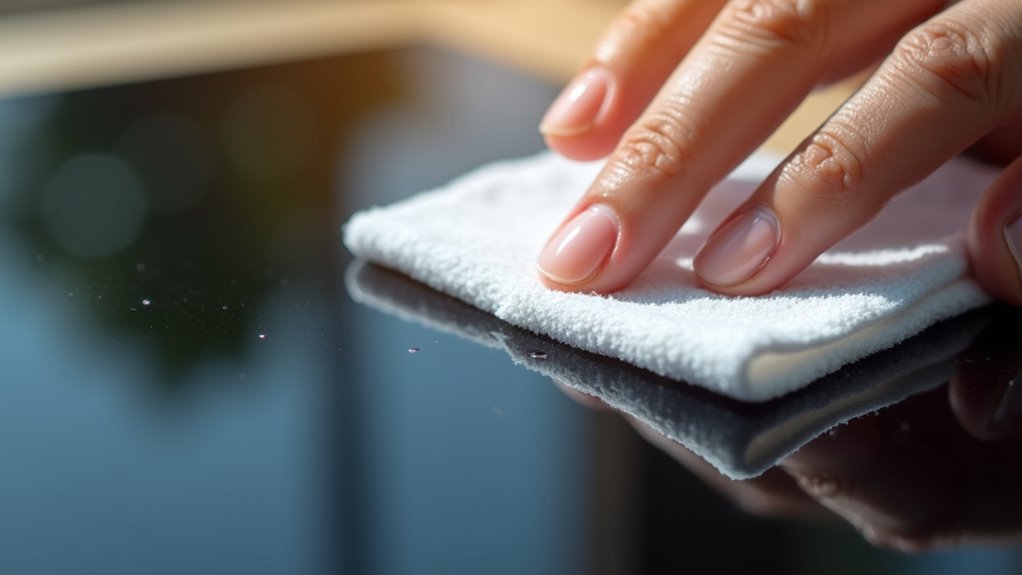
Keeping your touchscreen devices clean is more than just an aesthetic concern—it’s an important health practice.
With touchscreens harboring up to 10 times more bacteria than toilet seats and the average person touching their phone thousands of times daily, regular cleaning should be part of your routine maintenance.
Remember these key points:
- Use a microfiber cloth with an 80% alcohol solution
- Power off devices before cleaning
- Apply solution to the cloth, not directly to the screen
- Clean with gentle, circular motions
- Allow screens to dry completely before use
- Clean daily, or more frequently in high-traffic environments
By following these simple guidelines and avoiding damaging practices like using paper towels or excessive moisture, you’ll extend the life of your devices while creating a healthier environment for yourself and others. Regular attention to the TV screen enhances viewing experience and protects investment.
In our increasingly touchscreen-dependent world, taking these small steps can make a significant difference in reducing germ transmission and maintaining your technology investments.
Make screen cleaning part of your regular routine—your health and your devices will thank you for it!